Moving your team off a spreadsheet
The spreadsheet worked because you kept it up. Here's how to stop keeping it up.

A lot of teams run on a spreadsheet. A tab for the roster, a tab for the schedule, a column per game with Y, N and ? filled in by hand. It works, as long as the manager updates it every week, forever.
Moving off it takes less time than one week of updating it.
The schedule: don't copy it, link it
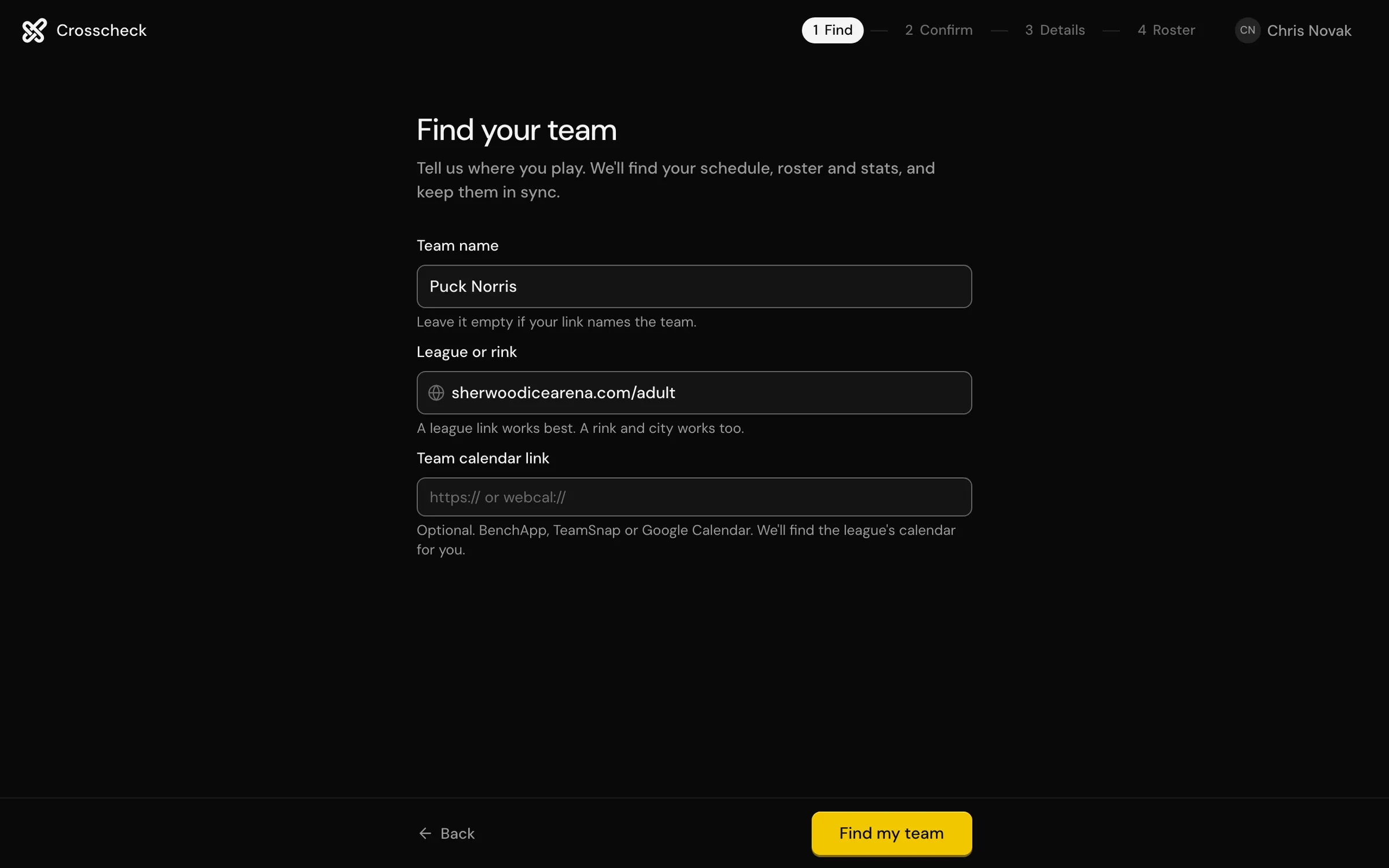
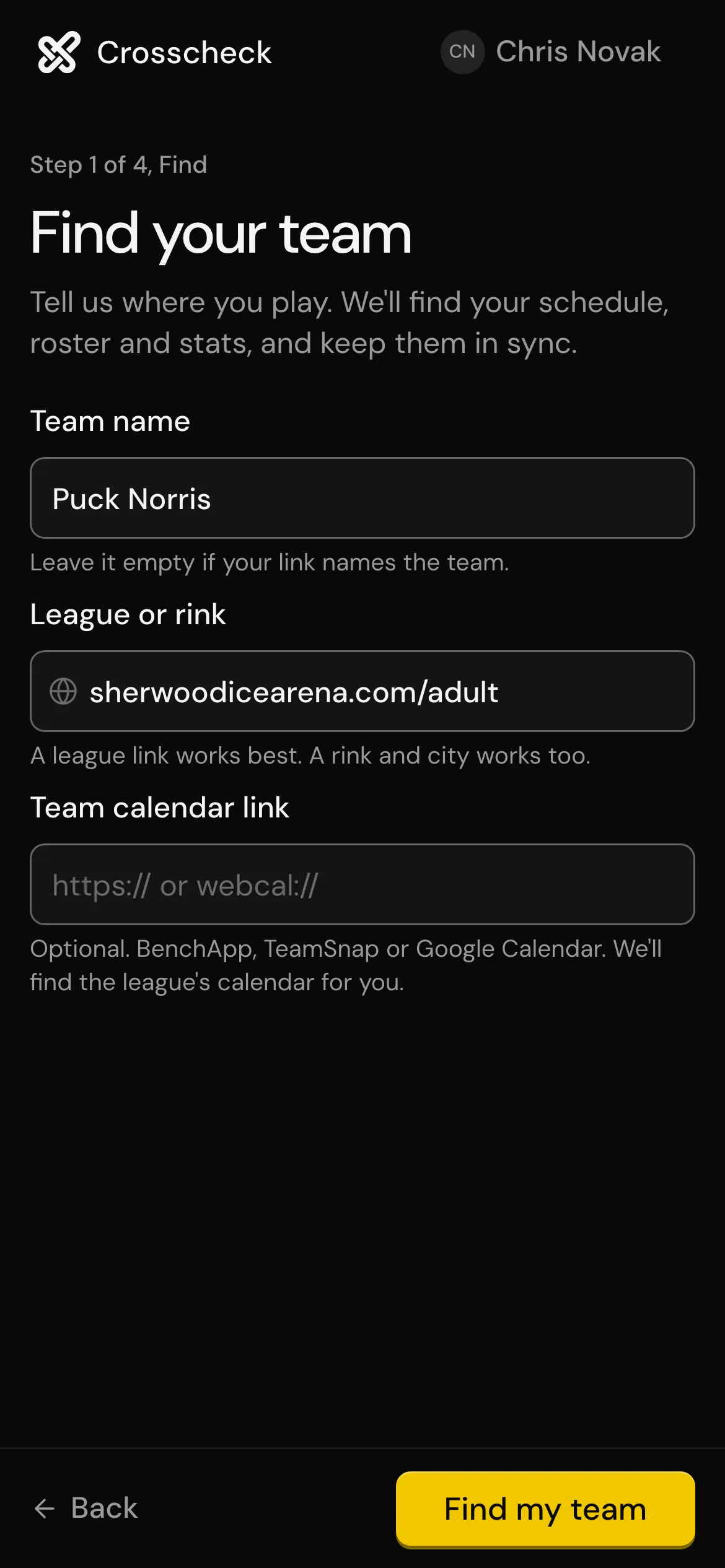
Your schedule already exists on the league's site. Instead of moving the spreadsheet's schedule tab, paste the league link into Crosscheck. It brings every game in and keeps checking for changes.
If your league has no site, a calendar link works too.
The roster: names and numbers
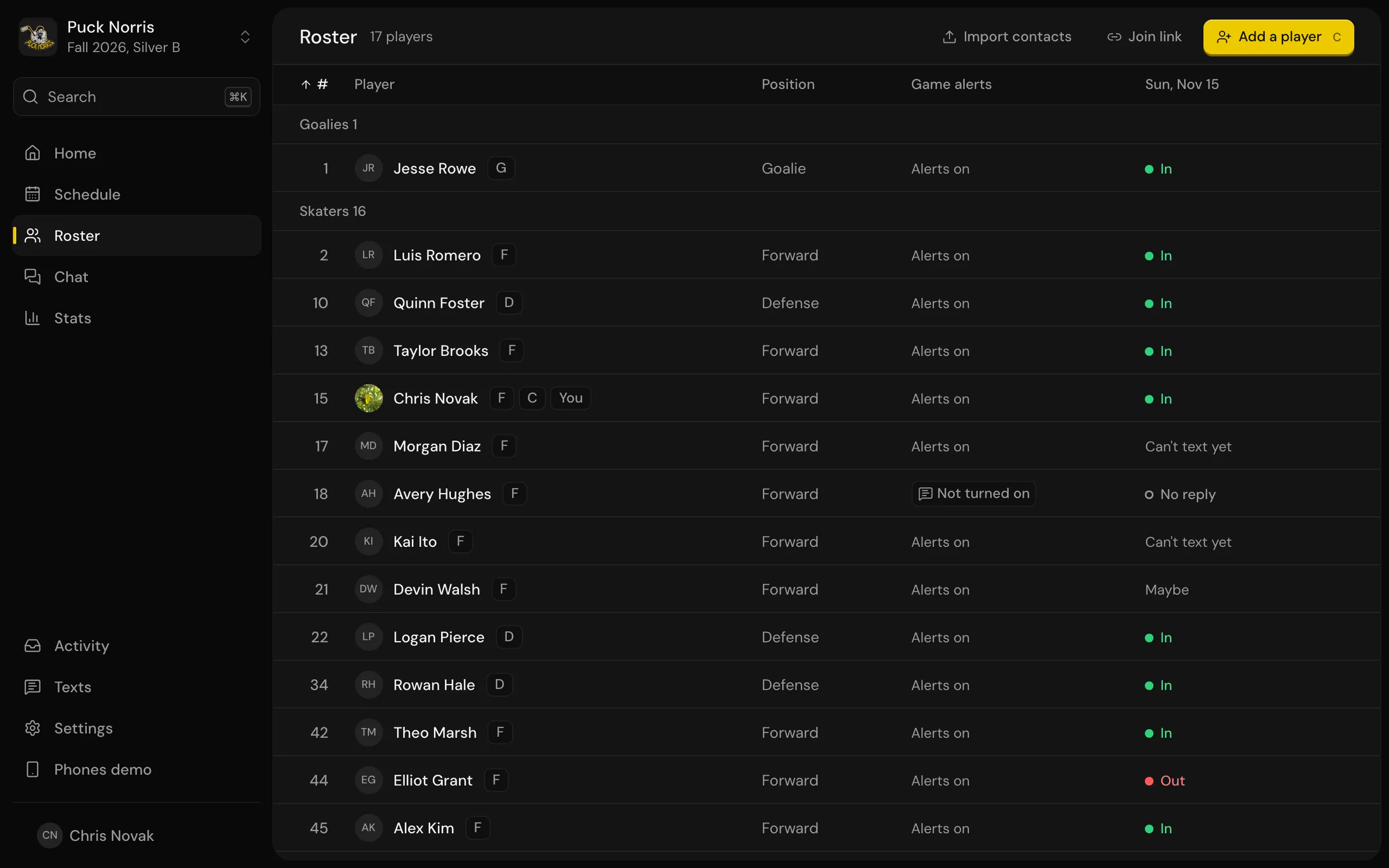
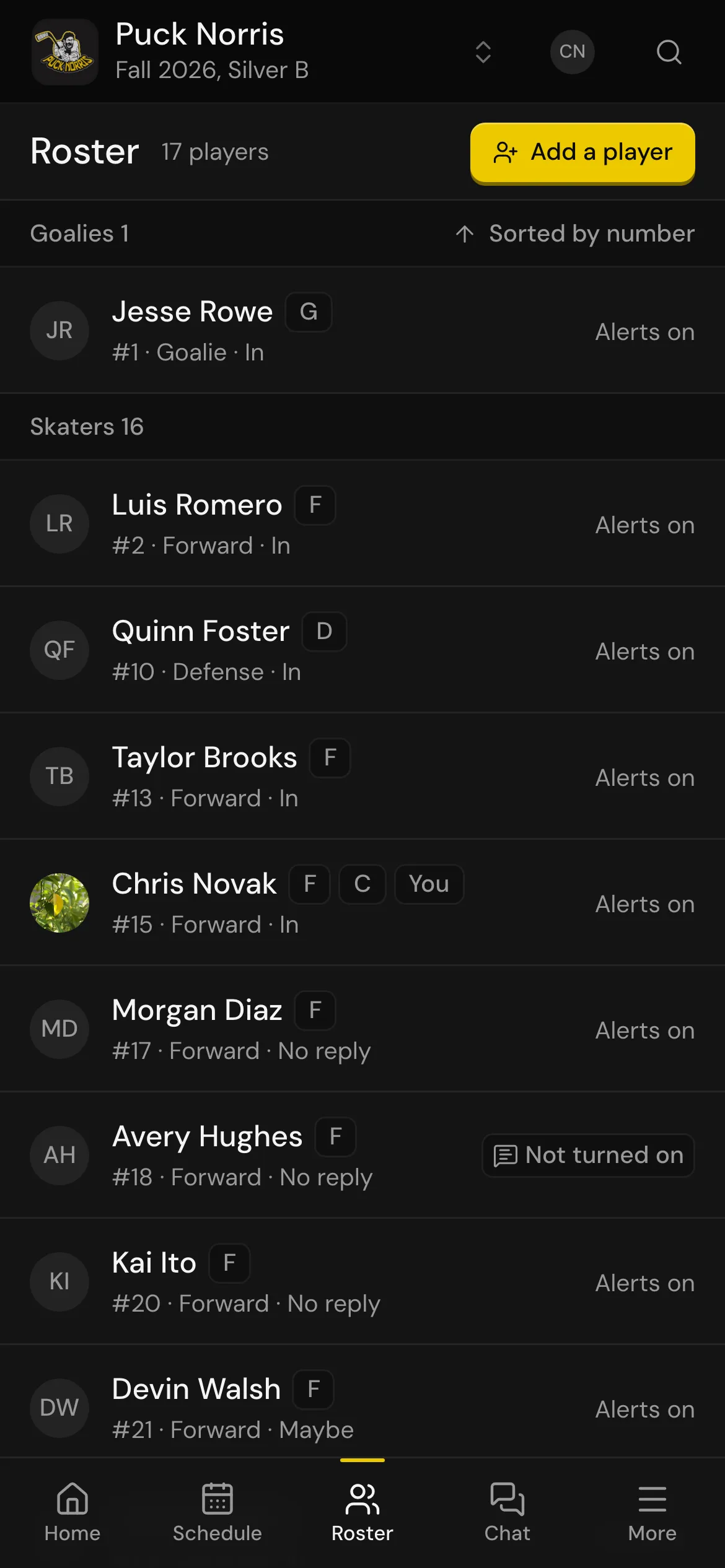
Crosscheck reads the roster from the league site where it can. Then it matches players to phone numbers from your contacts, a vCard, a Google Contacts CSV, or a list you paste straight out of the spreadsheet.
The attendance columns: let them go
The Y/N/? columns were always a record of you asking people. Now each player is asked directly and their answer lands on the game. Nobody updates anything.
Keep the spreadsheet for what it's good at
If you track dues or ice fees in it, keep doing that. Crosscheck doesn't handle money. Just stop using it for the things that change every week.