The first week of a new season: a manager's checklist
Ten minutes of setup at the start saves a season of Wednesday-night texting.

A new season is the one time a manager has everyone's attention. Use it.
1. Get the real schedule
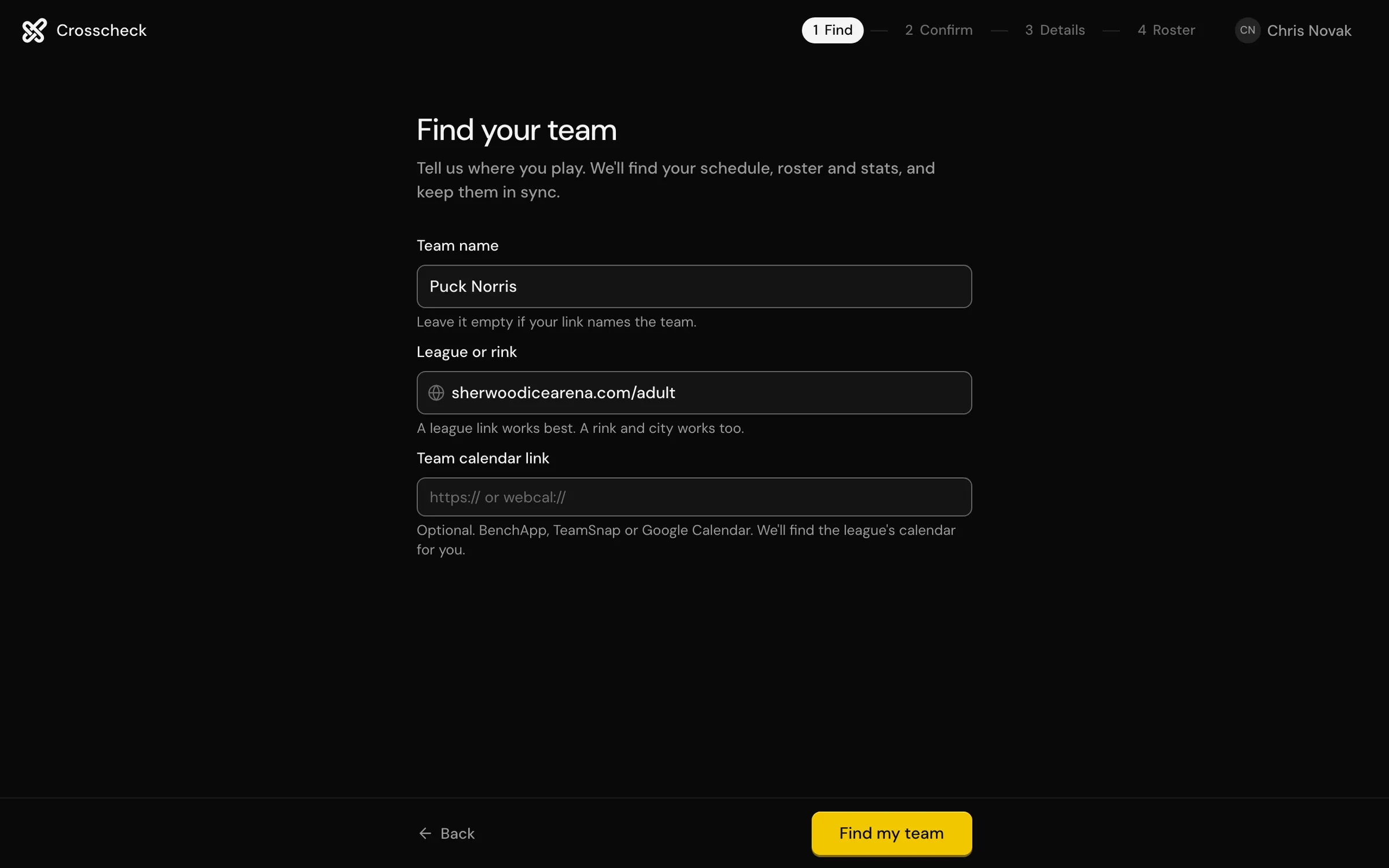
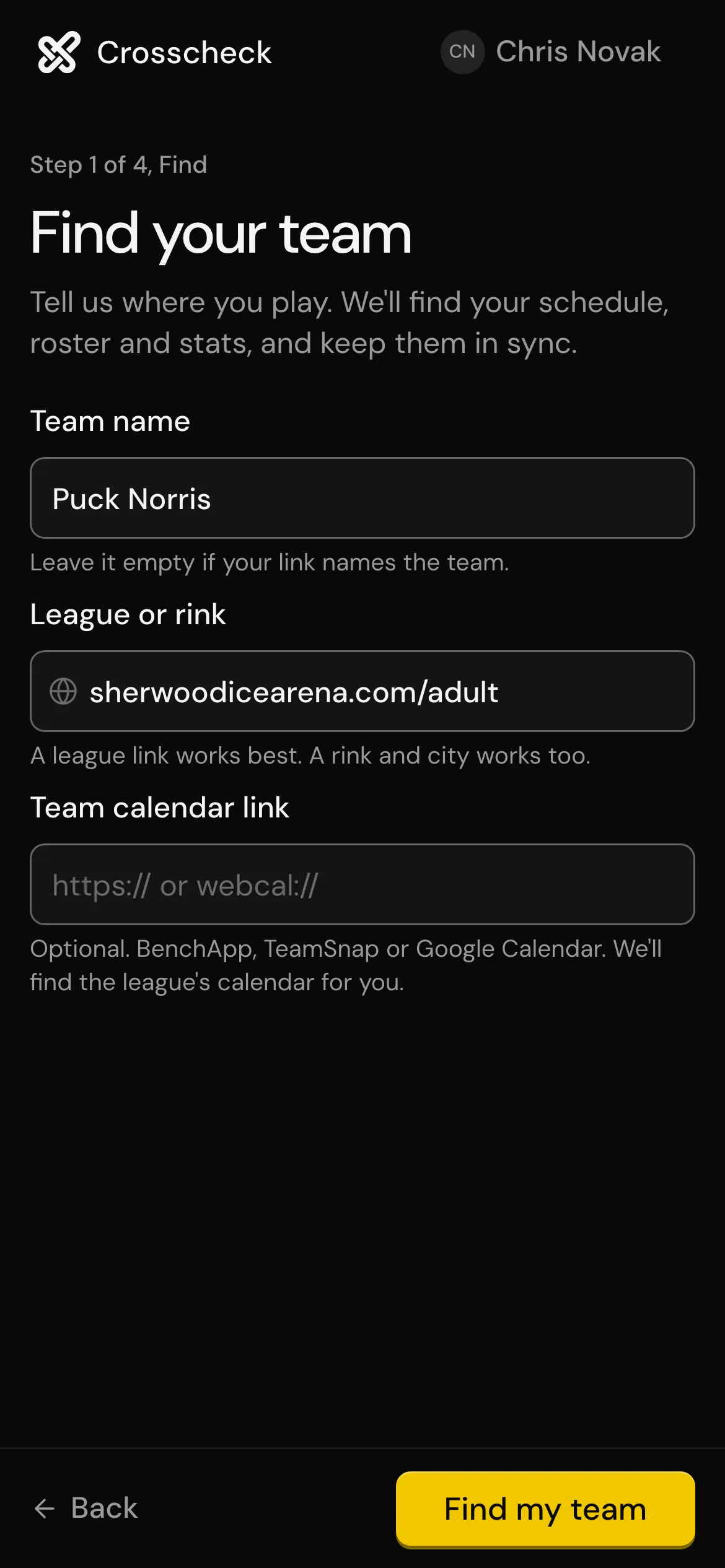
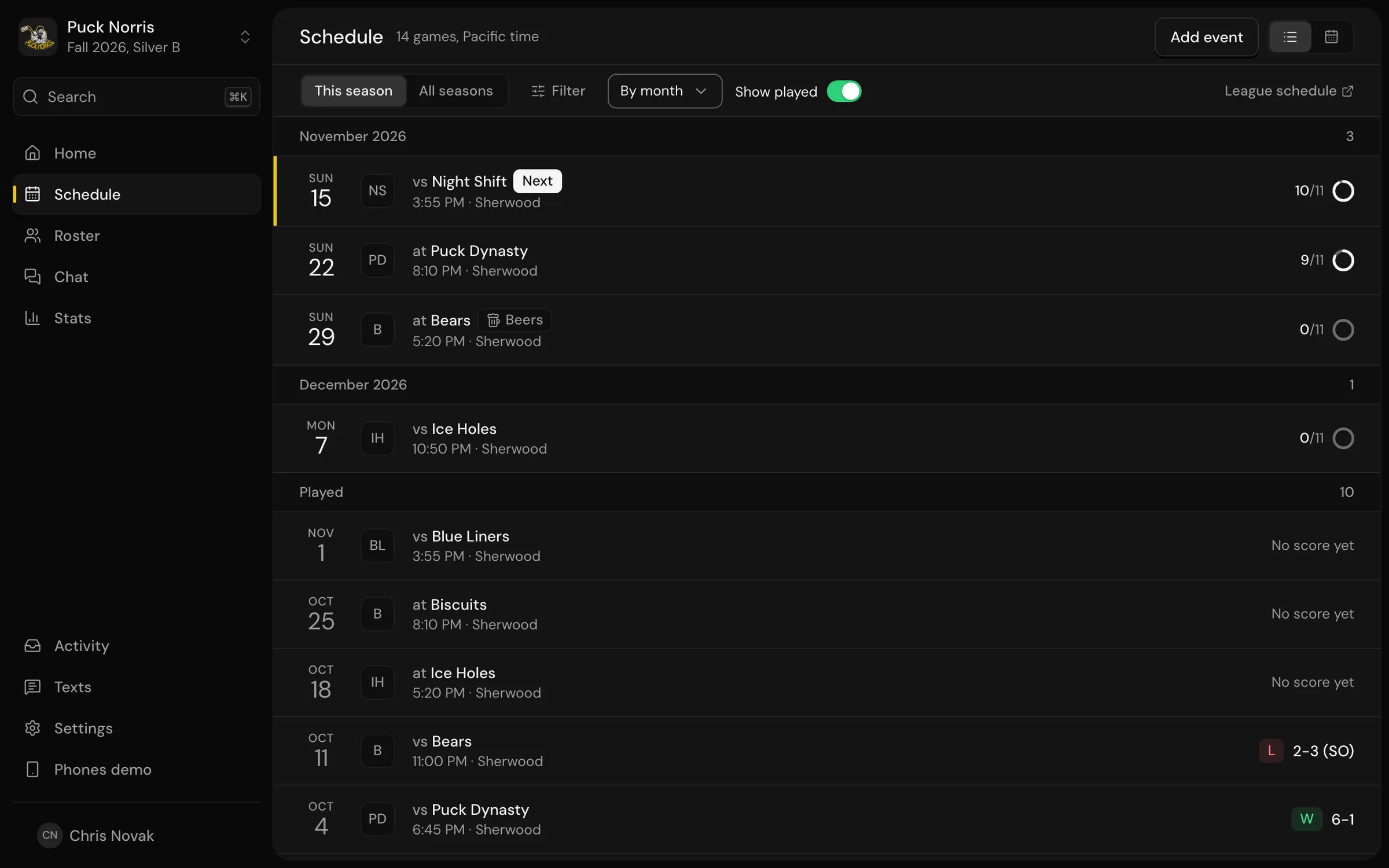
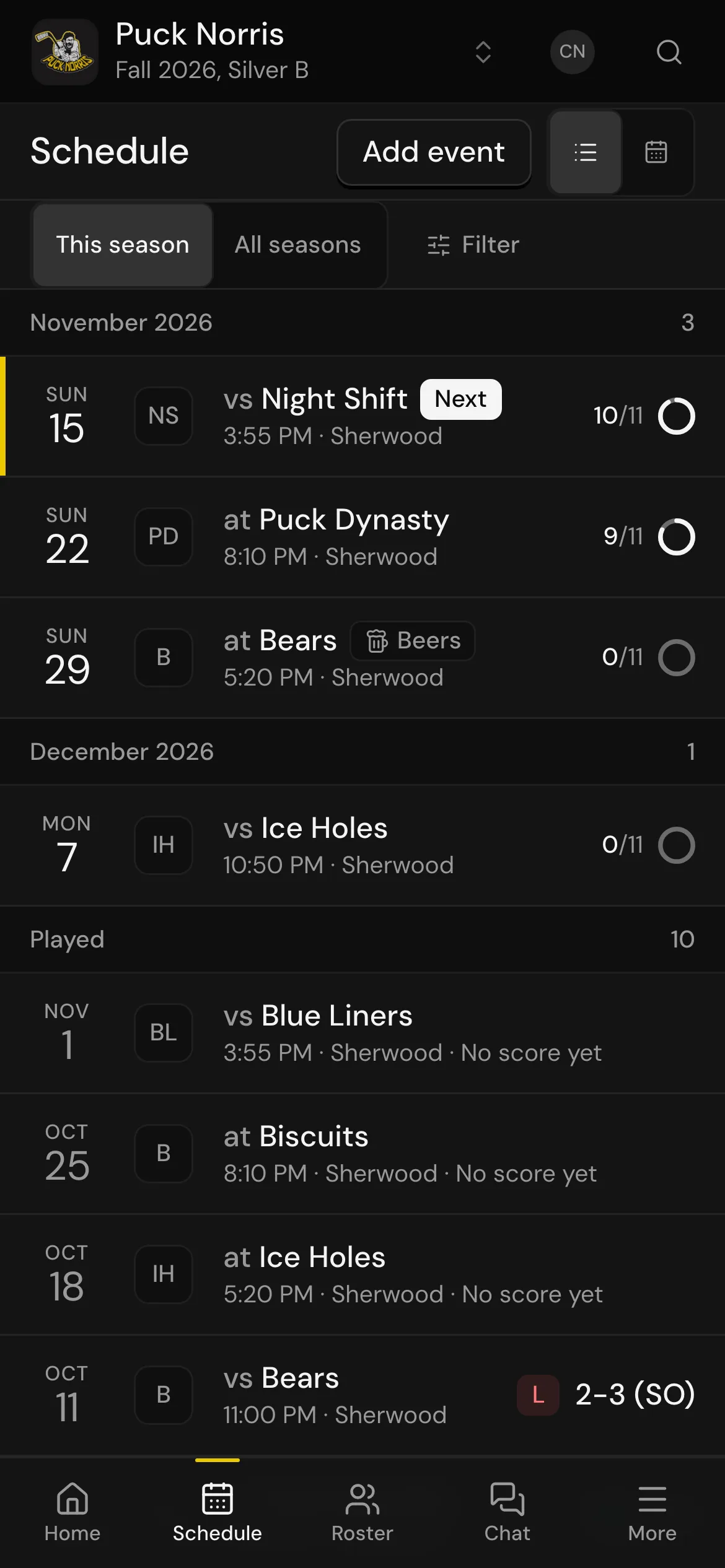
Wait for the league to publish it, then use the league's own page as the source, not a screenshot someone posted. Paste that link into Crosscheck and it keeps the schedule in sync from then on, including the games that move later.
2. Confirm the roster
Who's back, who's new, who's moved to the sub list? Do it now, before the first game, so the first round of texts goes to the right people.
3. Get numbers for everyone
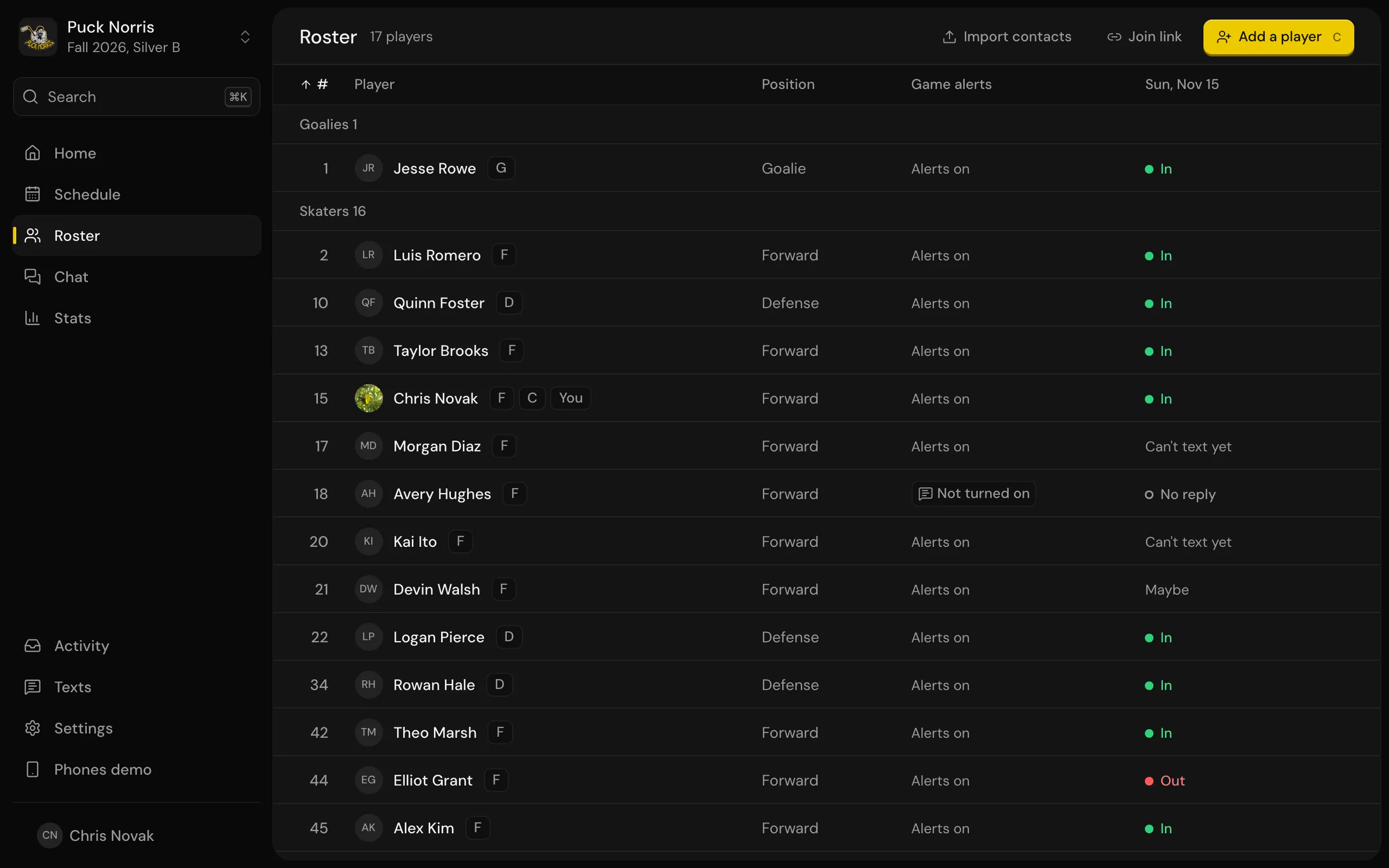
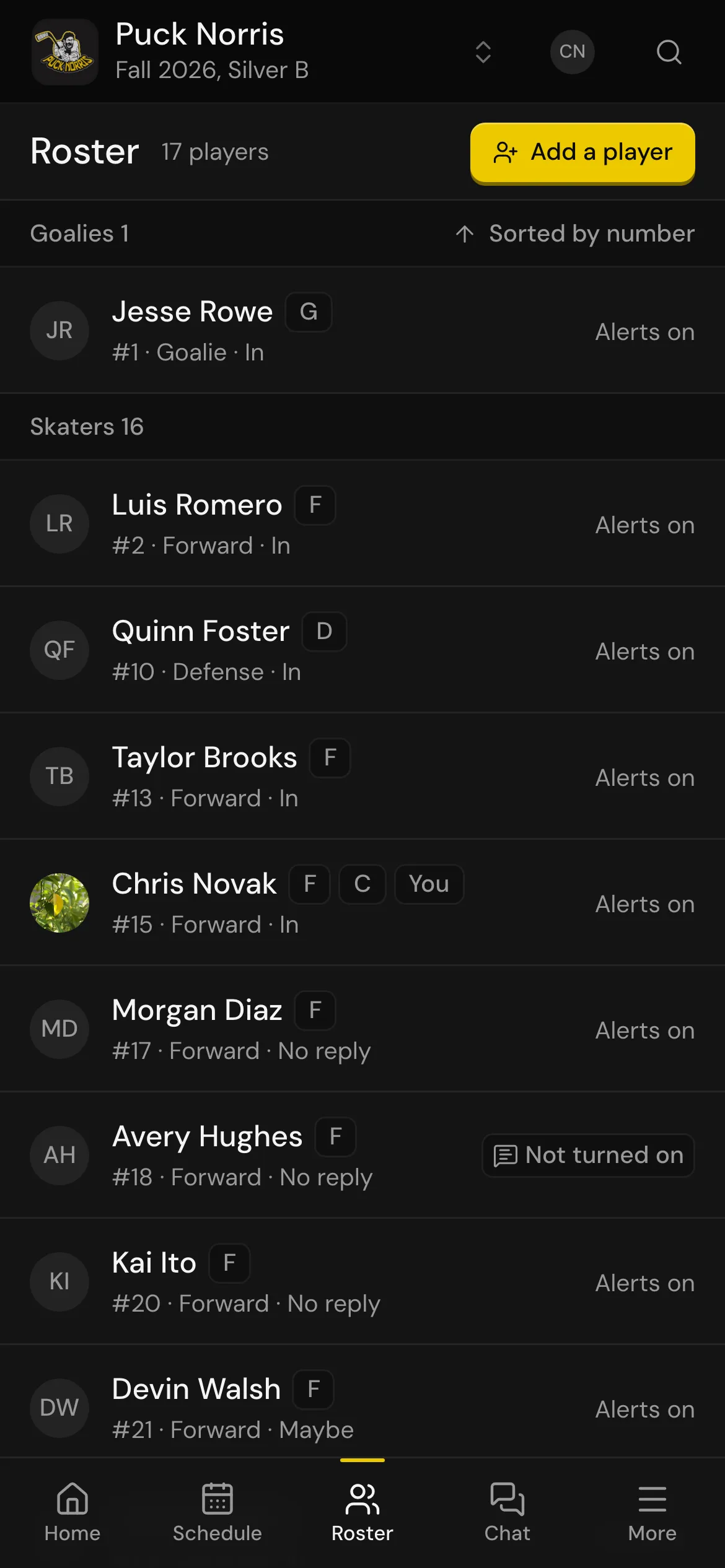
Most of the time you already have them. Sync your contacts and Crosscheck matches each player to a number. Chase the two or three it can't match.
4. Have players opt in
Each player gets one text asking if they want game texts. Ask people to look for it and reply YES. That one reply is the only setup a player ever does.
5. Set up the jobs
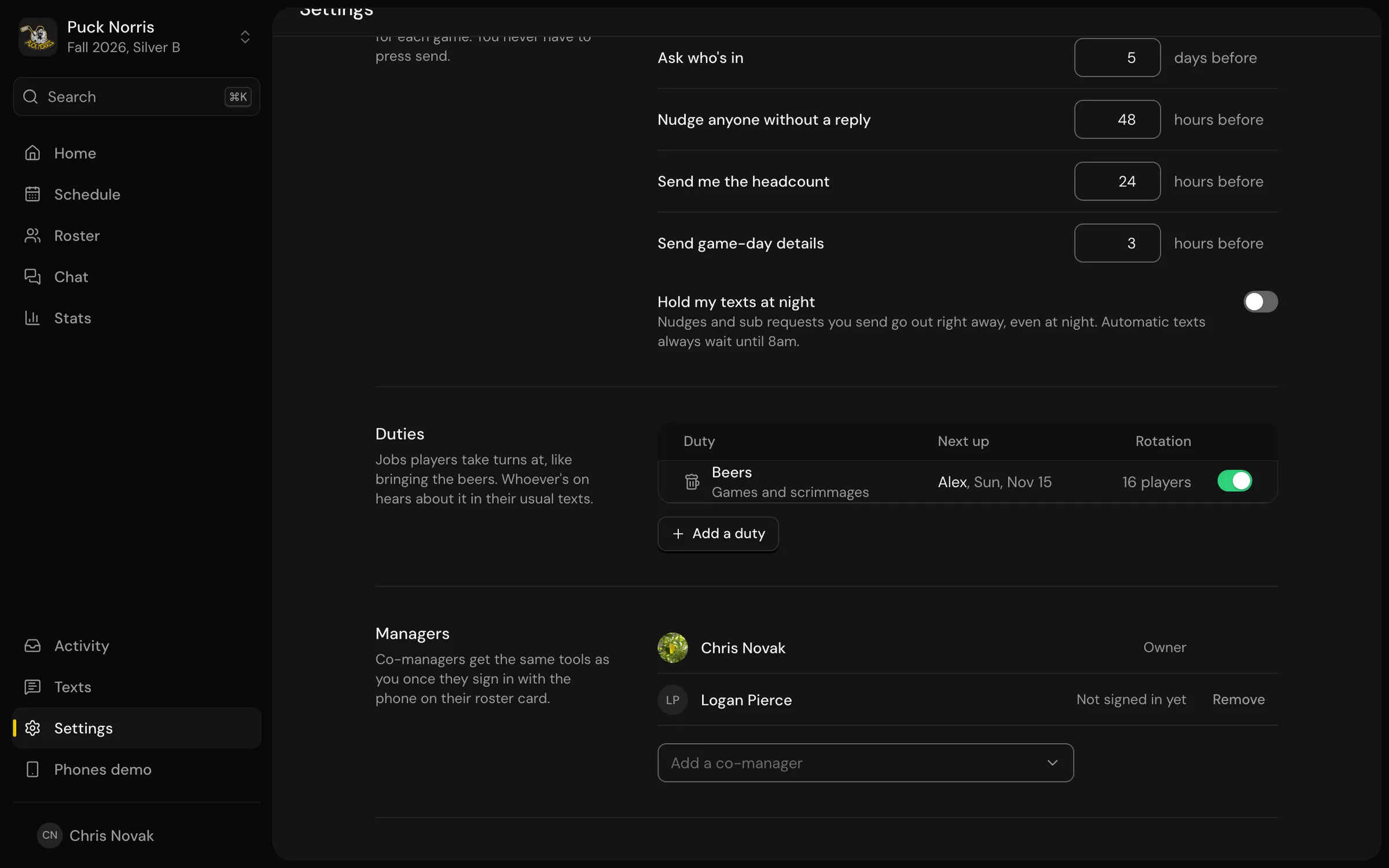
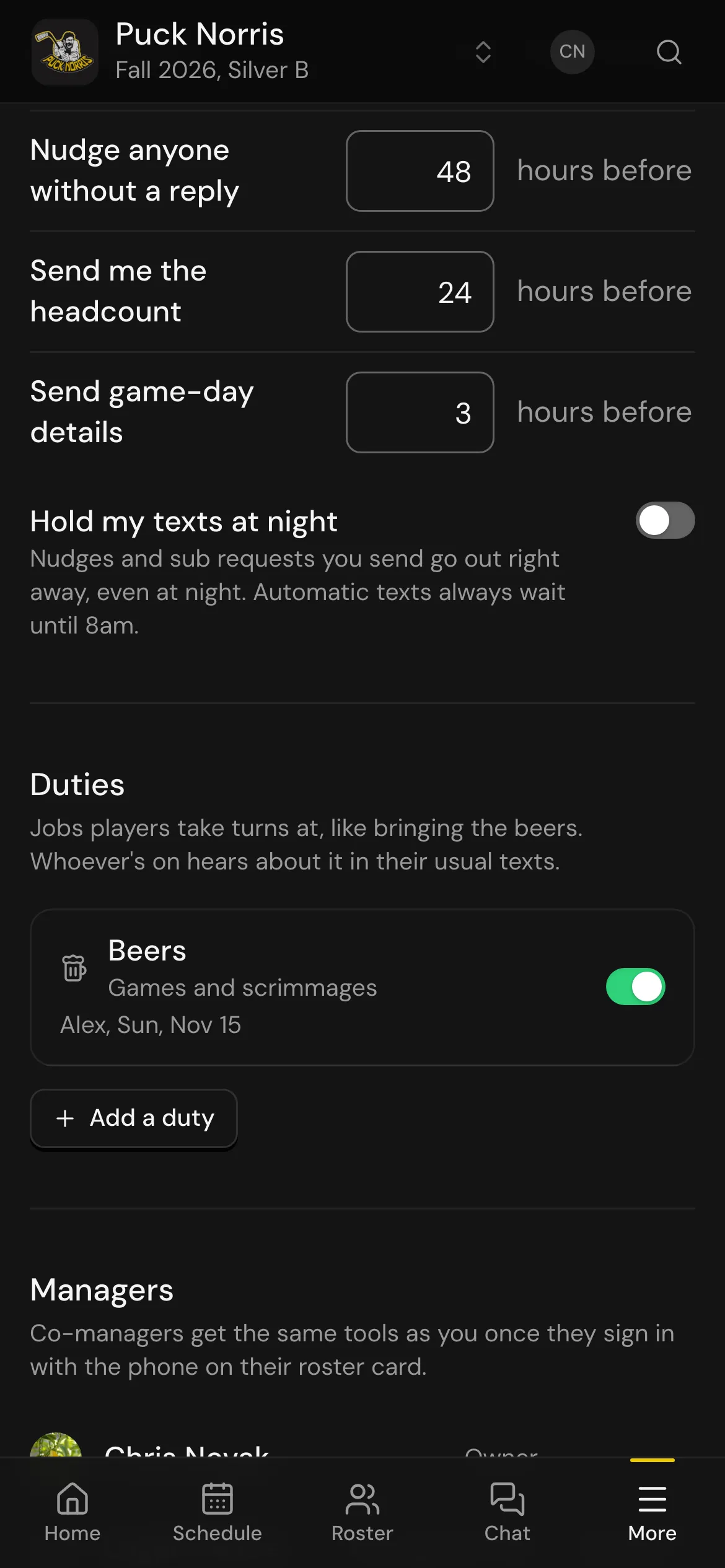
Beers, pucks, jerseys: decide which rotations your team actually uses. Crosscheck starts every team with beer duty and keeps the rotation fair. More on that in sharing team jobs fairly.
6. Line up your subs
Ask your usual subs if they're in for another season and add them to the roster as subs. You'll thank yourself in week six.
7. Tell the team how it works
One message in the group chat: "Game texts come from Crosscheck now. Reply IN, OUT or MAYBE. Text STATUS any time to see who's coming." That's the whole training.